
LEGO Brick Art Generator
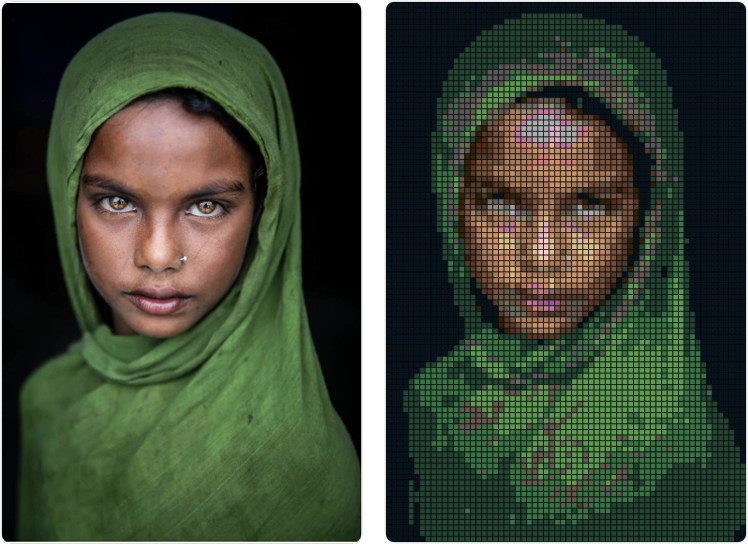
- Transform an image into a LEGO bricks/plates mosaic of a chosen size
- The app works entirely in your browser - your image file does not leave your computer
- The way it works is simple:
- the image is converted into a grid of pixels equal to how many 1x1 bricks are necessary to make the size of lego painting that you want
- Then the respective pixel colours are replaced with the closest colour of LEGO bricks, that is available on the LEGO store
- Use the "Download PDF guide" button to get a printable guide to help you construct the image (once you have all the necessary bricks)
- You can also use the table at the bottom of the page as a shopping list - it tells you how many 1x1 Lego bricks of each colour (LEGO reference ID) you need
- If you click on the "Order Bricks" button you will be redirected to the LEGO website to order the bricks
or drag and drop an image here
Metric
Imperial
Each LEGO brick is 7.8 mm × 7.8 mm (0.31" × 0.31")